
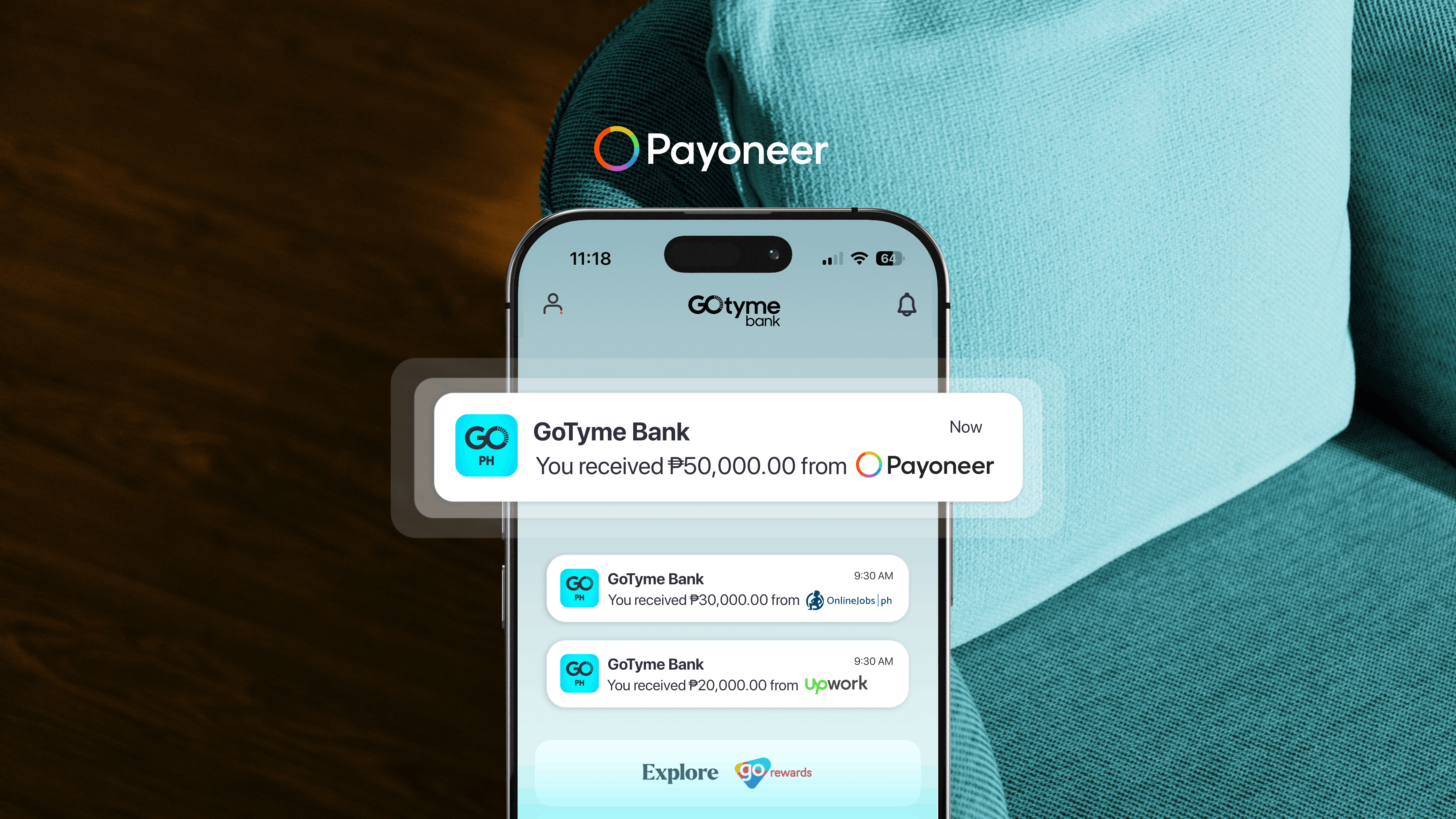
According to PeopleMatters, Asia’s leading community and media platform for talent and human resources (HR) professionals, the gig economy is growing in the Philippines, where freelance work was once considered a side hustle, but is now a main source of income with as many as 1.5 million active Filipino freelancers.
Given this data, there’s a growing need for a secure and stable platform where freelancers can receive their salary. That’s why if you earn through freelance platforms, marketplaces, or international clients and get paid via Payoneer, you should learn how to withdraw that balance straight into your GoTyme Bank account.
Here’s what to set up and what to expect for a smooth Payoneer withdrawal to GoTyme Bank.
Here’s What You Need Before You Start
- An active, verified Payoneer account
- A verified GoTyme Bank account
- Your GoTyme account number and account name
Note: Your GoTyme Bank account name must match your Payoneer registration name exactly — mismatched names can cause the bank account to be rejected
2 Steps to Withdraw from Your Payoneer Account
Step 1: Link Your GoTyme Bank Account to Payoneer
Before making your first withdrawal, you need to link your GoTyme Bank account to your Payoneer account. Here’s how to link a bank account to Payoneer:
- Sign in to your Payoneer account (app or desktop)
- Go to Settings, then Bank Accounts
- Under Your accounts, select Add bank account
- Choose your account currency (PHP)
- Choose GoTyme Bank and enter your account holder name, and account number
- Submit for review, subject to Payoneer’s verification and withdrawal policies.
Step 2: Withdraw From Payoneer to GoTyme Bank
Once your GoTyme Bank account is approved, you can receive freelance payments in the Philippines. However, take note: check the Payoneer withdrawal fees in the Philippines before making a transaction.
- Go to Withdraw & Transfer, then tap Withdraw to Bank
- Select your GoTyme Bank account
- Choose your currency and enter the withdrawal amount
- Review the exchange rate and any applicable fees
- Select I approve, then confirm the withdrawal
You’ve done your hard work as a freelancer. That’s why you deserve a bank where you can feel the ease when receiving your payments. Fortunately, GoTyme Bank is subject to Philippine banking regulations and compliance checks that make your banking experience safe.
What You Should Know About Fees, Limits & Transfer Times
- Fees – GoTyme Bank charges no fees for receiving transfers from Payoneer.
- Limits - There are no limits from GoTyme Bank for a transfer from Payoneer, but Payoneer may have its own limits set depending on your account. Double check your transfer limits on your Payoneer profile.
- Transfer Time - Most withdrawals are processed within the hour but can take up to 1 business day.
Note: Transfer times may be affected by both international and local regulations and holidays. So make sure to check Payoneer withdrawal time to confirm the schedule of your money transfer.
Frequently Asked Questions
-
Why hasn't my Payoneer withdrawal arrived in GoTyme Bank yet?
Payoneer withdrawals typically reach local bank accounts within one to three business days. Delays may occur due to bank processing, incorrect account details, or verification checks. Check your withdrawal status in Payoneer and contact Payoneer Support if the funds don't arrive within the expected timeframe.
-
Do I need a US bank account to use Payoneer with GoTyme Bank?
No. You can link your verified GoTyme Bank account as your bank account in Payoneer. Make sure your account details match your Payoneer registration information and that the account is approved for withdrawals.
-
Can I set up automatic withdrawals to GoTyme Bank?
Yes, if your Payoneer account is eligible. Payoneer offers automatic withdrawal schedules, including daily, weekly, and monthly options. Check your Payoneer account for availability and setup instructions.
-
Does GoTyme Bank charge a fee to receive Payoneer withdrawals?
No. GoTyme Bank does not charge receiving fees for transfers through its Remittance Partner Network. However, Payoneer may charge withdrawal or currency conversion fees, which are displayed before you confirm your transaction.
