
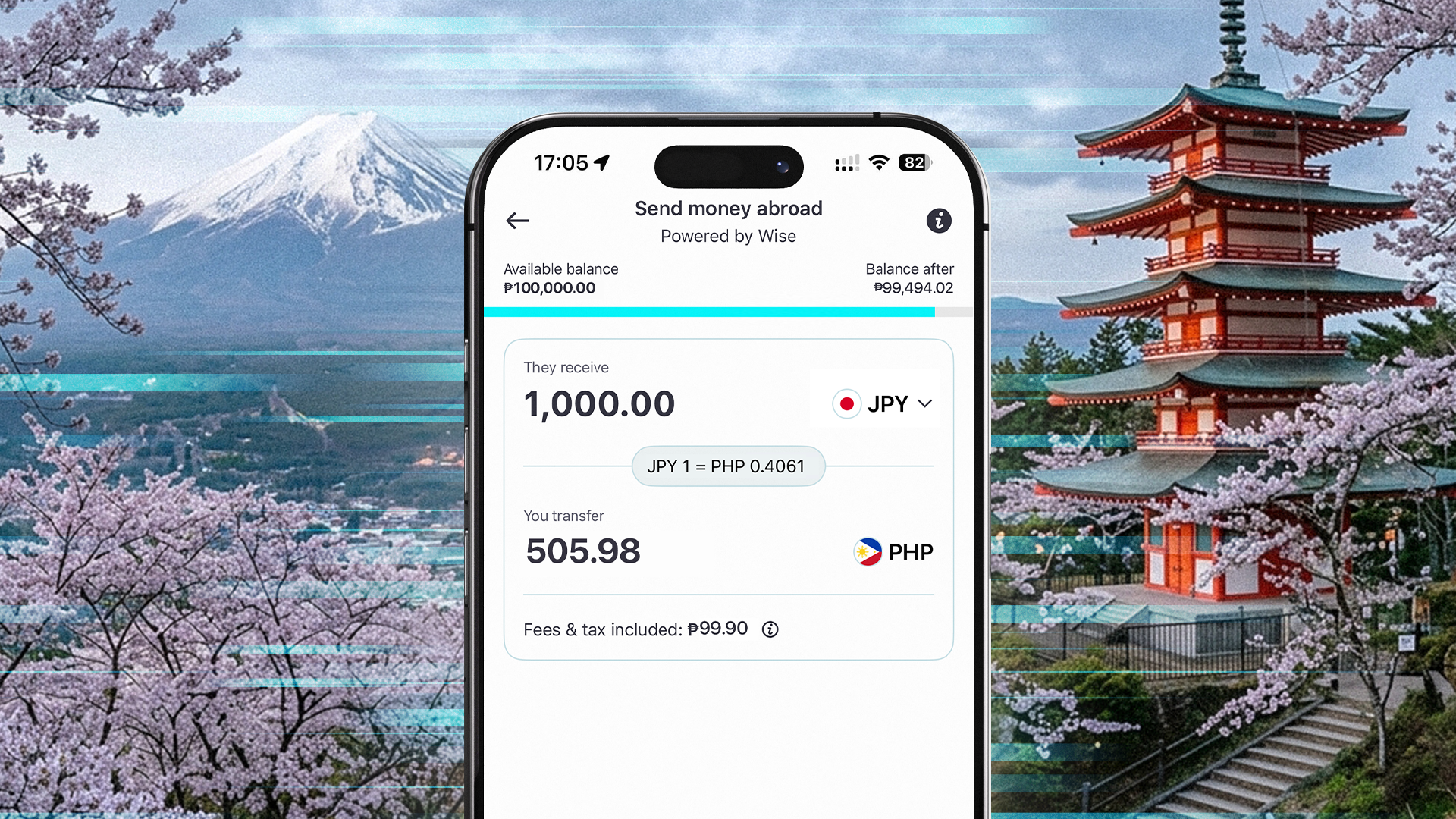
Sending money to Japan is simple with GoTyme Bank, but Japanese banks have stricter validation requirements than many other countries. This means the recipient's banking information must match the bank's records exactly before the transfer can be completed.
If your international money transfer to Japan didn't go through, don't worry. In many cases, it's because one or more recipient details couldn't be validated. The good news is that this is often easy to fix by confirming the information with your recipient before trying again.
Whether you're resending a transfer or preparing to send one for the first time, this guide will help you gather the correct information and avoid common issues that can lead to a failed transfer.
What are the Common Reasons Transfers to Japan May Fail
Many transfers can be completed successfully by confirming the recipient's information before sending. But when a Japanese bank transfer fails, there's usually a reason behind it that you can fix.
Learn about the common reasons why a failed transfer to Japan can happen:
- Your recipient shared their English name instead of the registered Katakana name.
- The account was selected as "Savings" when it was registered as "Checking."
- The account number contains an incorrect or missing digit.
- The branch name or code was missing or entered incorrectly.
Remember, Japanese banks carefully validate recipient information. Even small differences may prevent your transfer from being processed. So, to avoid having your Japan bank transfer rejected, make sure to double-check all the necessary information.
5 Details to Confirm Before Sending Money to Japan
The easiest way to avoid a failed transfer is to ask your recipient to verify their banking information directly from their bankbook (通帳 ツウチョウ) or online banking website or app. Even small differences between the information entered and the bank's registered records may cause your transfer to be rejected.
So, here are the five details you need to confirm for a successful and secure Philippines to Japan money transfer that also adheres to BSP guidelines on cross-border transfers.
1. Full Bank Account Name
Ask your recipient to provide the account name exactly as it appears in their bankbook. For many Japanese bank accounts, this will be written in Katakana. The full account name is usually found on the top part of the inside first page of your bankbook, or printed directly on the cover. For accounts without a bankbook, the details should be visible on your bank’s online website.
Tip: Depending on the bank, some account names may be written in Latin alphabet. Make sure to double check with your recipient and their bankbook for the most accurate account name.
For payments to individuals,
Enter the surname and give the Japanese bank account name in Katakana characters, separated by a space.
Example: For "わいず太郎", input "ワイズ□タロウ" (where "□" represents a space).
For payments to businesses,
Enter the type of business, the business name, and the branch name, each separated by a space.
Example: For "株式会社ワイズペイメンツジャパン東京支店", input "カ)ワイズペイメンツジヤパン□トウキヨウシテン (where "□" represents a space)"
Corporate names abbreviations:
- At the Beginning:
- "株式会社" becomes "カ)"
- Example: "株式会社ワイズペイメンツジャパン" → "カ)ワイズペイメンツジヤパン"
- In the Middle:
- "株式会社" becomes "(カ)"
- Example: "ワイズペイメンツジャパン株式会社東京営業所" → "ワイズペイメンツジヤパン(カ)トウキヨウ(エイ"
- At the End:
- "株式会社" becomes "(カ"
- Example: "ワイズペイメンツジャパン株式会社" → "ワイズペイメンツジヤパン(カ"
Tip: Depending on the bank, the list of abbreviations may differ. Refer to the recipient bank’s official website and guidelines.
2. Bank Account Number
Most Japanese bank account numbers are 7 digits long.
Ask your recipient to confirm the account number directly from their bankbook. This is usually found printed on the top part of the inside first page of the bankbook.
For Japan Post (Yucho) bank accounts, the account number is on the bottom right corner of the first inside page of your bankbook.
Tip: Double-check every digit before submitting your transfer.
3. Bank Account Type
Japanese banks require the correct account type to process incoming transfers.
Ask your recipient to confirm which Japanese bank account type is registered.
For Shinsei bank accounts, the English writing will be written as “Savings”, but this is actually a Futsuu (普通 フツウ, Current) account.
Tip: Don't guess the account type. Even if your recipient says it's a "savings account," ask them to confirm the exact registered account type.
4. The Exact Name of the Bank
Ask your recipient to confirm the exact bank name.
Depending on the bank, this may be provided in:
- English (Latin alphabet)
- Katakana
- Kanji
- Bank code
Use the information exactly as provided.
5. Branch Name or Branch Code
Ask your recipient to confirm either their:
- Branch name, or
- Branch code
Depending on the bank, this information may be shown in:
- English (Latin alphabet)
- Katakana
- Kanji
- Numeric branch code
Here are the verified recipient details you need to double-check for secure international transfers to Japan, whether you're sending money to your family, for personal needs, or for essential expenses.
Send Money to Japan the Right Way Today
Before submitting your transfer again, take a moment to do one final check with your recipient. Confirm that all the information below matches exactly with the details shown in their bankbook or online banking website or app.
Tip: Ask your recipient to refer to their bankbook or online banking website or app when providing these details. Even small differences between the information entered and the bank's registered records may cause your transfer to be rejected.
Once you've confirmed everything with your recipient, you're ready to submit your transfer again using BSP-regulated GoTyme Bank's Send Money Abroad feature.
Frequently Asked Questions
-
How can I fix a failed transfer to Japan?
One of the most common reasons why international money transfers to Japan may fail is that the recipient's banking information does not exactly match the receiving bank's records.
But you can easily fix this. Ask your recipient to verify all their banking details directly from their bankbook (通帳 ツウチョウ) or online banking website or app to make sure you have accurate information when you send the transfer again.
-
What information do I need to send money to Japan?
Before sending, ask your recipient to confirm:
- Full account name
- Account number
- Account type
- Bank name
- Branch name or branch code
Using the information exactly as provided can help avoid unnecessary delays or failed transfers.
-
Does my recipient's account name need to be in Katakana?
For many Japanese bank accounts, yes. The account name should be entered exactly as it is registered with the recipient's bank.
If you're unsure, ask your recipient to check their bankbook (通帳 ツウチョウ) or banking app and share the registered account name.
-
What should I do if my recipient isn't sure about their banking details?
Ask them to refer to their bankbook (通帳 ツウチョウ) or online banking website or app. If they still can't find the information, they should contact their bank to confirm the correct details before you send the transfer.
-
Can I try sending the transfer again after confirming the information?
Yes. Once you've verified all of your recipient's banking details, you can submit a new transfer using the Send Money Abroad feature with GoTyme Bank.
